Quiz intent
Cartoon Character Color Quiz
If you want a cartoon character color quiz with a real score, Toon Tone Character Mode fits that intent: six prompts, immediate round feedback, and a final result you can compare or share.
Take the color quizQuiz intent
If you want a cartoon character color quiz with a real score, Toon Tone Character Mode fits that intent: six prompts, immediate round feedback, and a final result you can compare or share.
Take the color quiz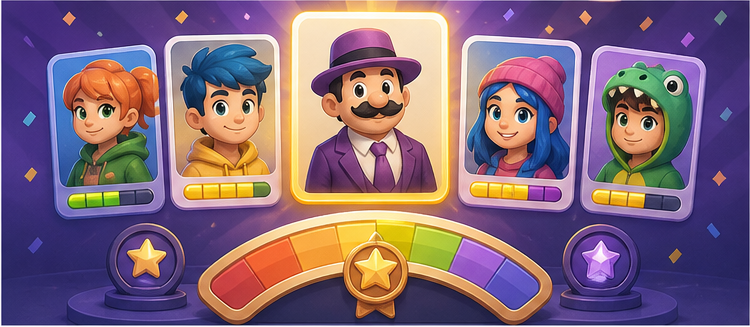
A good quiz gives the player a clear target, a finish line, and a result worth comparing. Character Mode checks all three boxes. Each round asks one clear question, each run ends after six prompts, and the final panel summarizes how well you did across the whole set. That makes it feel like a complete quiz session rather than a loose collection of color prompts.
This matters for search intent because many people looking for a cartoon character color quiz want more than a single image or a static trivia question. They want a set, a result, and a reason to compare their performance. Character Mode gives them that structure.
The final score is only the first layer. Average score shows consistency. Best round shows your sharpest hit. The rating compresses the run into a readable summary. Together, those numbers tell you whether you had one lucky round or a genuinely strong set from start to finish.
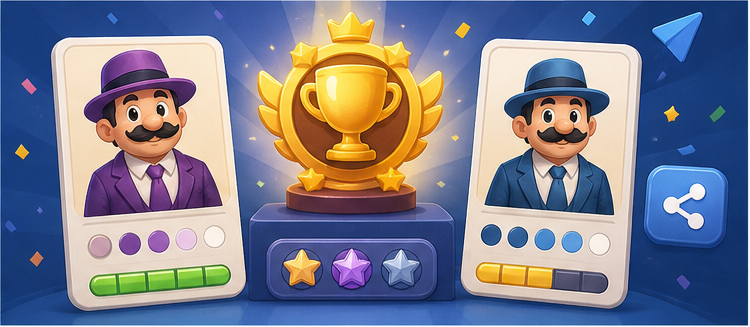
Total points earned across the full six-round run, useful for a quick headline result.
Shows whether you were steady across the set or spiked on one especially strong answer.
This layered result is why the page fits quiz intent well. It gives the user something clear to interpret after the game ends, rather than simply telling them they completed the session.
Multiple-choice quizzes are fast, but they often hide how close a player really was. Character Mode asks the player to build the answer with sliders instead of tapping a prewritten option. That makes the quiz feel more like a judgment test than a lucky guess. A color can be nearly right, visibly off, or perfect, and the score reflects that range.
This is especially useful for character colors because people often remember the broad family but not the exact tone. A player may know the answer is blue, but still miss whether it was bright, muted, pale, or dark. The score makes that gap visible.
A quiz gives people a reason to finish the set. Once there is a final result, the run becomes something a player can compare with friends or try to beat on the next attempt. Character Mode uses that loop well. After the sixth round, the result panel is no longer just a log of previous answers. It becomes the summary of the whole session.
That summary also supports sharing. A casual browser visitor can finish the set, see a rating, copy the result text, and start another run without extra setup.
Look for the most stable signal first. Is the target part warm or cool? Is it vivid or muted? Is it bright, medium, or dark? These three observations usually matter more than trying to memorize an exact hex value. Players who improve fastest usually stop thinking of the prompt as one giant color and start treating it as three smaller judgments.
This page fits several overlapping audiences: casual players who want a quick color challenge, quiz players who like a clean final result, and visually minded users who enjoy testing how well they remember details. Because the run is short and the scoring is immediate, it works for both quick curiosity clicks and deliberate repeat play.
That flexibility is part of why this page is useful as a search landing page. It can satisfy users looking for a fun cartoon quiz while still directing them into a real playable mode.
If you want the full playable experience, use Character Mode. For the exact high-volume phrase, see guess the color of cartoon characters. For a broader guessing phrase, see cartoon color guessing game. For the more literal phrasing, see character color guessing game.
Yes. Each run gives six prompts, scores every answer, and shows a final result after the set ends.
The result includes final score, average score, best round, rating, and share-ready text after the run is complete.
Because players build the answer with sliders instead of tapping a prewritten option, which makes close misses and high scores more informative.
Yes. The final modal includes share text and platform actions, so the six-round result can be compared or posted after the run ends.